
The 6 Dials That Control AI Image Generation

"Make me a concert photo."
You could leave your prompt at that, and hope. But you might get the Temptations on an Ed Sullivan-style TV stage. You might get a grunge singer in a smoky Seattle coffee house. You might get a fifth grade choir singing their little hearts out on a school cafeteria stage.
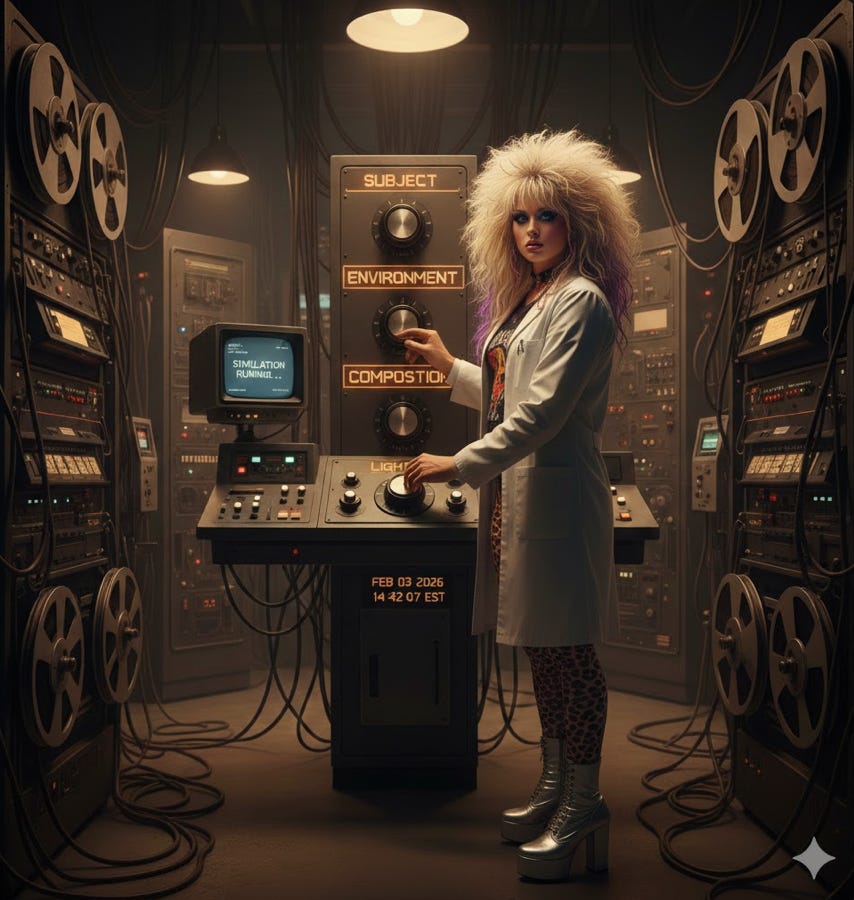
There are six variables you can tune to guide image creation.
Turn the dials correctly1, and you’ll get just what you were looking for.
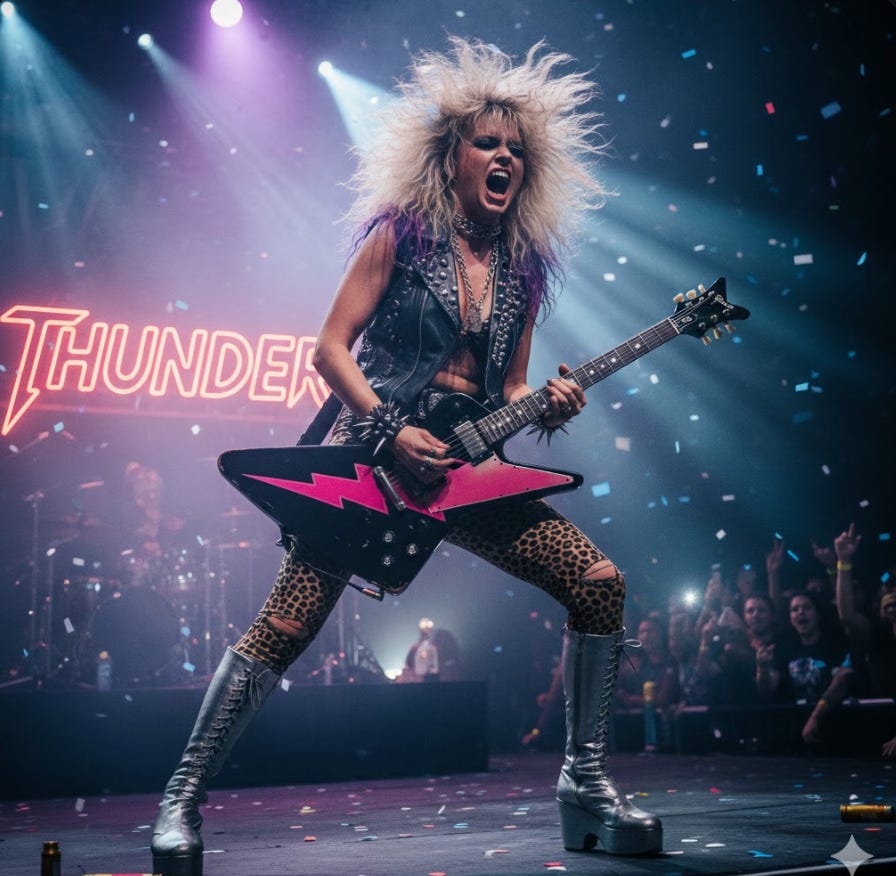
There are six variables to address to help hone your image.
Subject: Not just “a person.” A woman in leather holding a Stratocaster.
Action: Standing vs. jumping vs. mid-gesture changes energy.
Environment: Arena stage vs. dive bar vs. warehouse.
Composition: Wide shot, close-up, from below—you're the photographer.
Lighting: The biggest variable. Same scene, different light = different feeling.
Text: Neon signs, app logos, screen displays. AI can finally spell them.The dials in action
To get the photo above, Claude and I wrote the following prompt2:
A female 1980s glam metal guitarist, mid-power chord with head thrown back, on a smoky arena stage, medium shot from slightly below, dramatic purple and blue spotlights cutting through haze, neon sign reading 'THUNDER' in the background"
Then I tweaked the lighting variable: single harsh white overhead.”
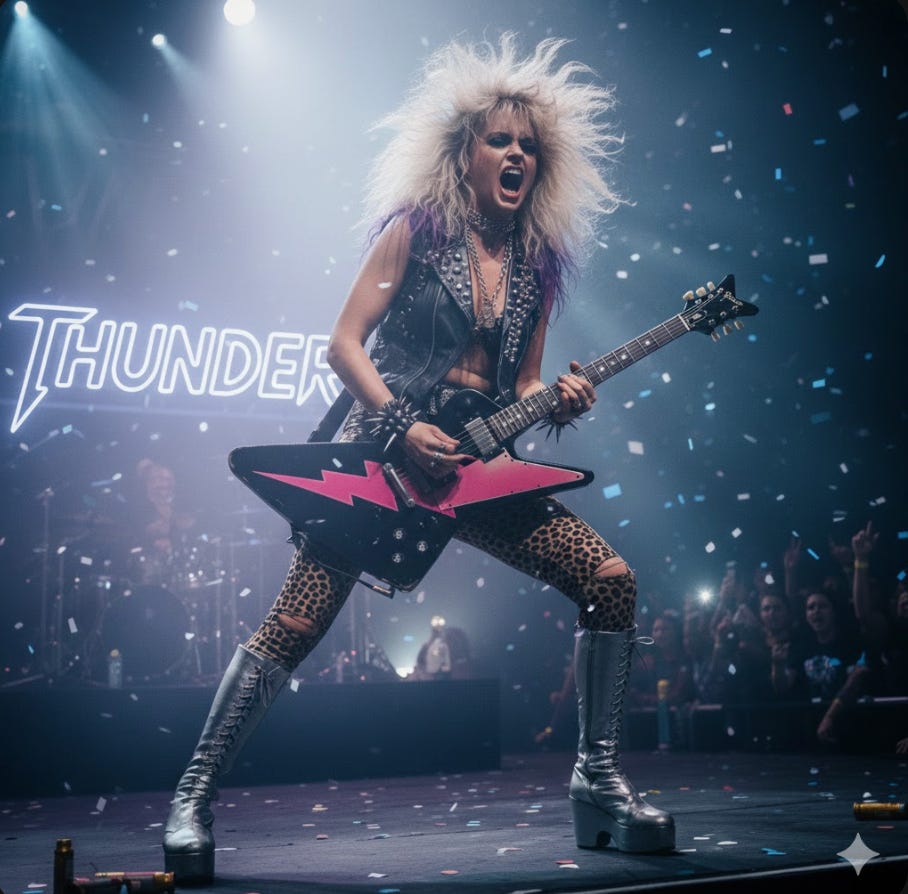
You can see the difference here, but Nano Banana still wanted it colorful spotlights. More on that later.
When I adjusted the composition to: “extreme close-up of face and guitar neck, shot from side profile,” I got:
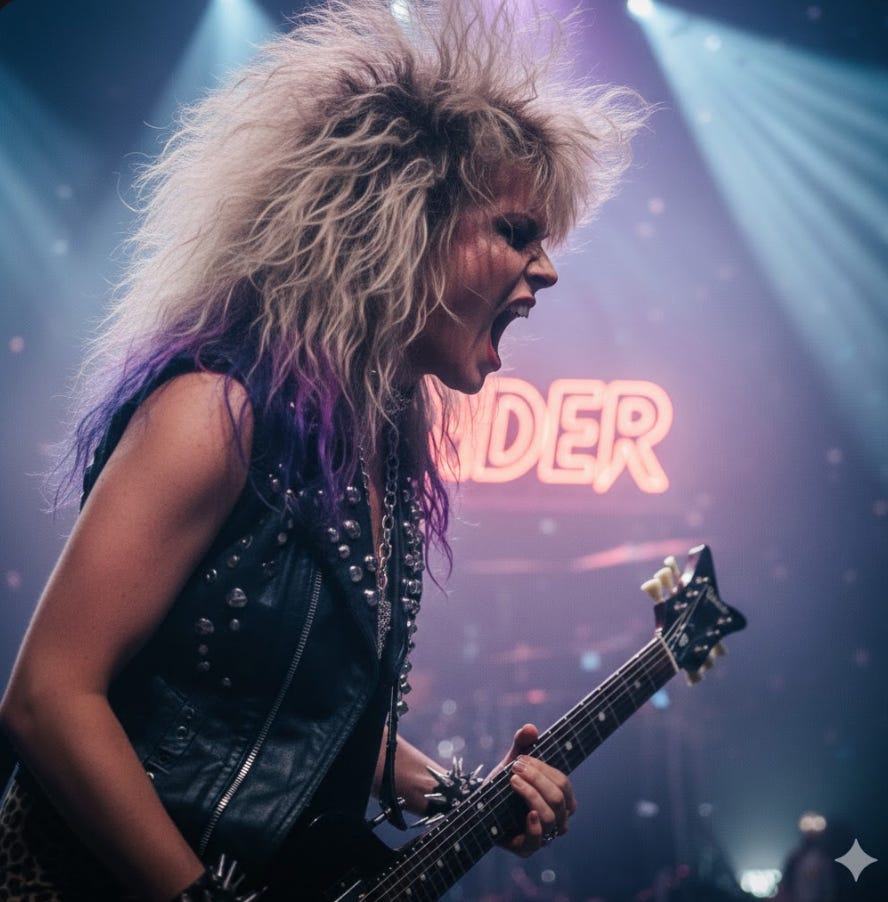
Adjusting one variable at a time shows you which ones the AI weighs most heavily.
When the AI is stubborn
The AI will have assumptions about how a scene should look. In my example, it really wanted the colored spotlights from the 1980s. My first attempt made a slight adjustment.
Then Claude suggested I try going whole-hog: “single harsh white spotlight, all other lights off, no colored lighting, no blue lights, no purple lights, film noir cinematography.”
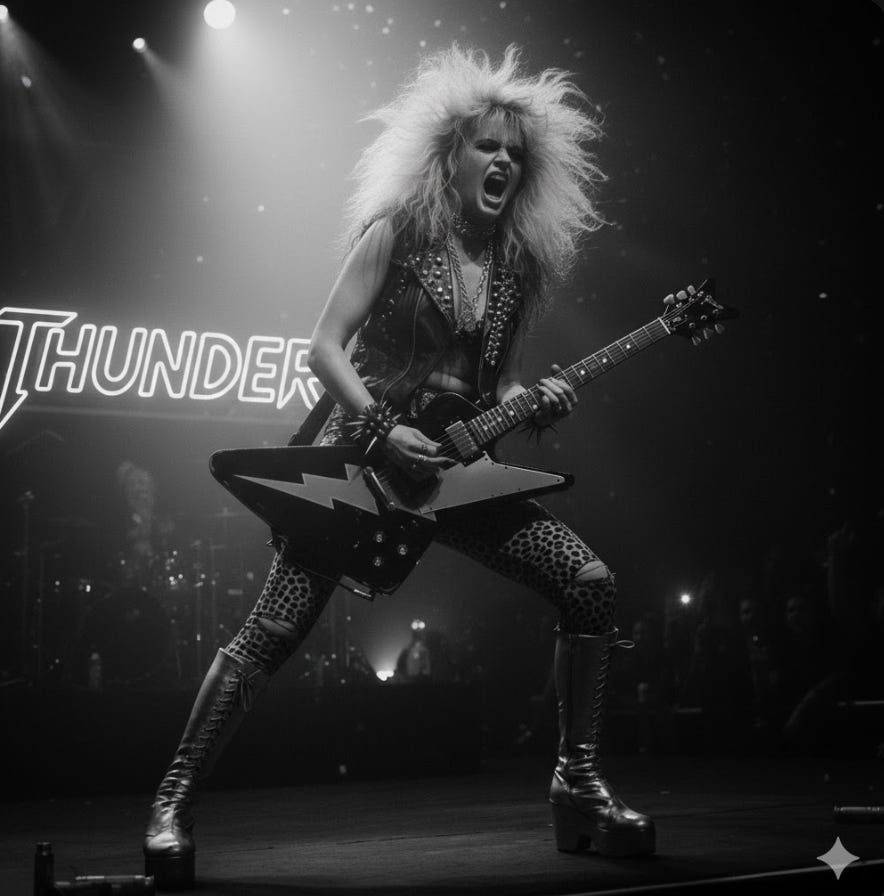
At times you have to be forceful to the point of repetitive3 with your language to push the AI past its own training.
The non-designer unlock
I can barely pluck around inside Photoshop, but who needs it? Now, we’re only limited today by our taste4 and our ability to vividly describe what we’re looking for inside of the six-part framework.
Turn those dials, mad scientists.
Next up: Building your first visual information tool.
I also tried breaking up the prompt using XML tags for the six variables. No difference whatsoever.