
I built an AI trainer that automatically emails me feedback

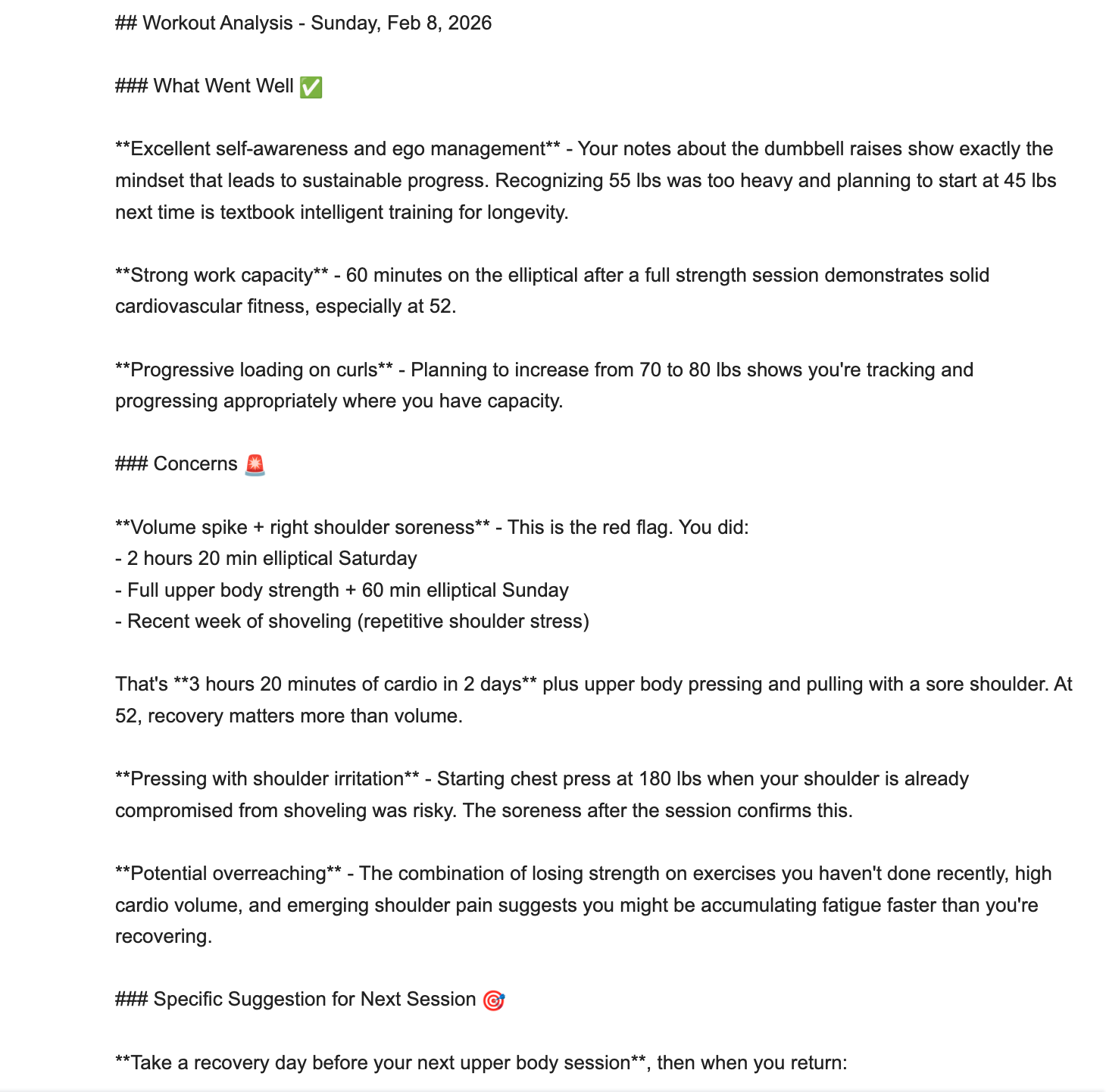
Today my first-ever automation crossed the finish line. I definitely “hit the wall” halfway through, and needed IV fluids and post-marathon warming blanket at the end. But now, my workout data loop glides from reps and sets logged in Apple Notes through to Claude to feedback in my Gmail.1
Piece of cake!2
Yesterday, I built the shortcut in Apple Shortcuts and set up n8n to receive the workout data. Today, I did the work to send the data to Claude and get the feedback.
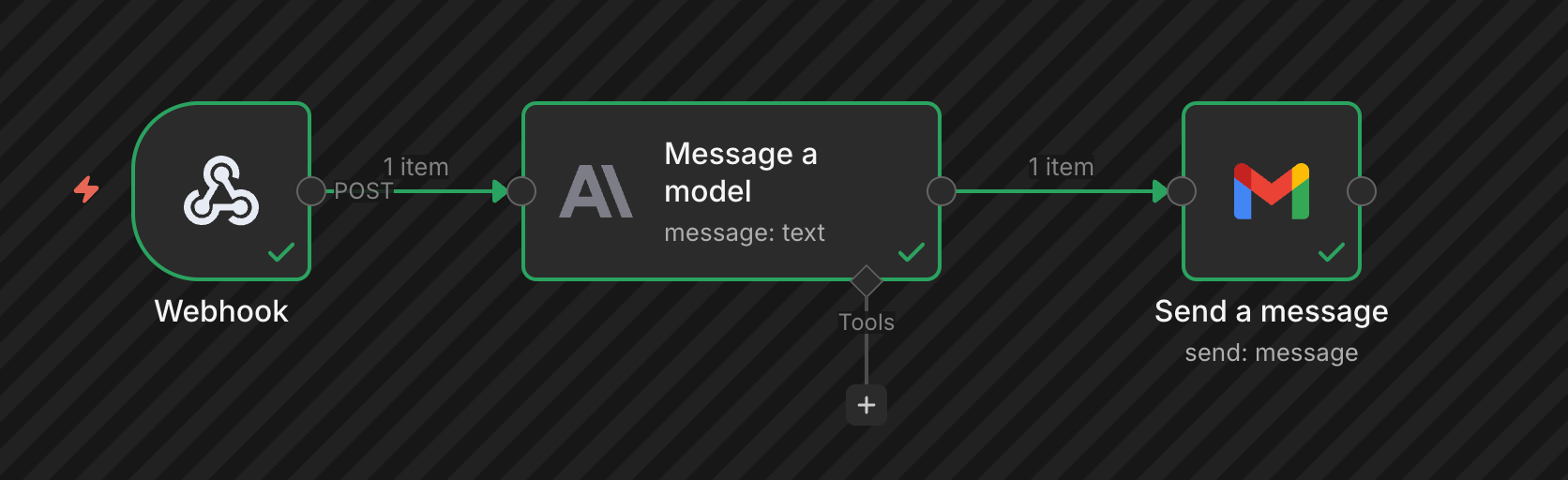
A parade of errors
I could write a whole bunch of sentences here that would sound like “I spent an hour trying to fix JSON syntax in HTTP Request node.”
But the point is this: there’s a lot of debugging that has to take place, even with a simple project like this.
And if, like me, you don’t have a programming background, you’ll spend a lot of time carrying water between Claude and whatever other apps you’re using for the project.
Get instructions from Claude, paste into other app, take screenshot of error for Claude. Try again. Over and over.
But there is opportunity in the water carrying. I often asked Claude about why it suggested certain approaches, and asked for clarification when it used overly techy terms.
That’s lots of learning while stumbling around in the dark, with those water buckets sloshing all over.
Over the finish line
Now I have a button on my iPhone screen. I tap it. It grabs my latest workout data. Claude digests it and sends feedback via email.
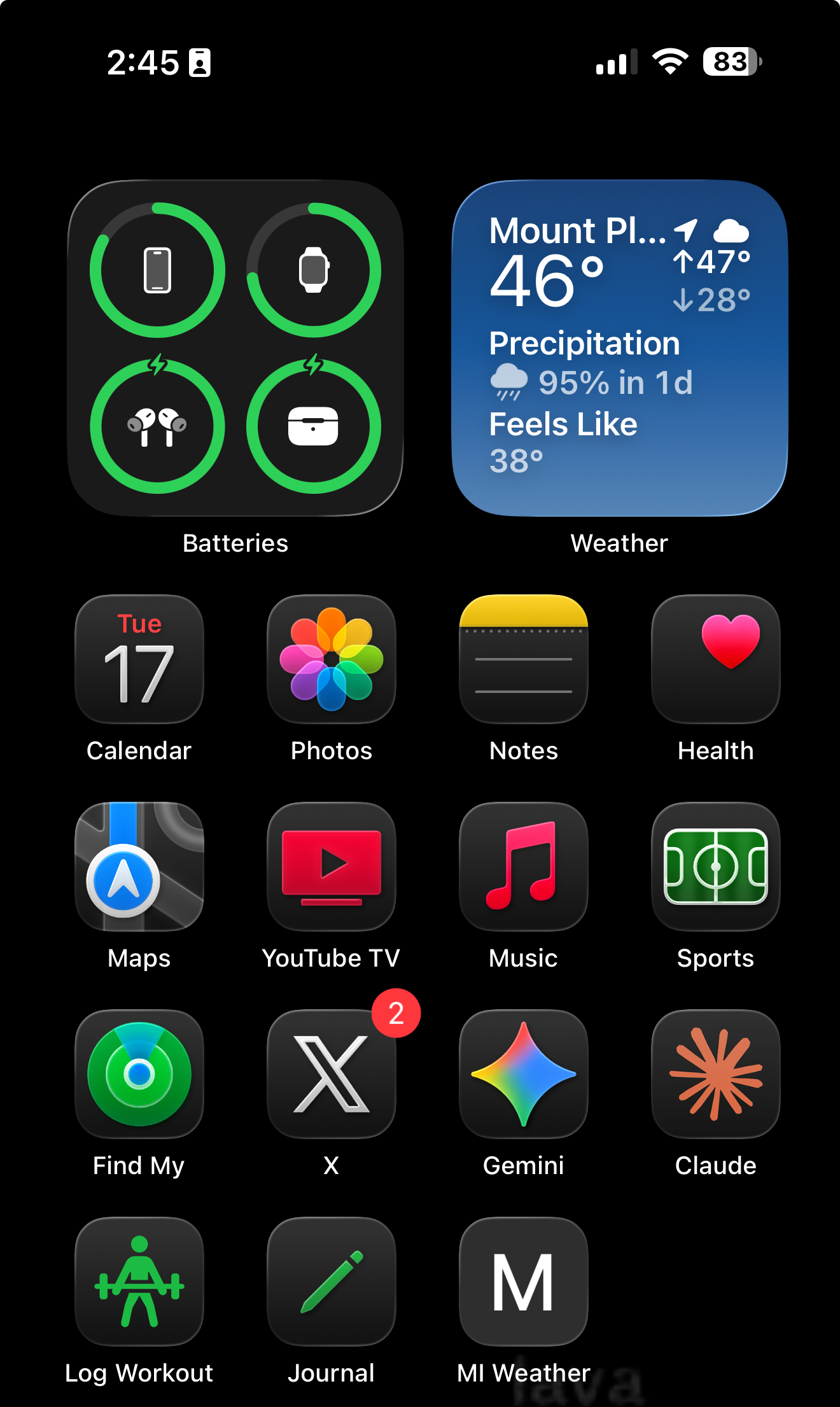
And that’s pretty damn cool.
The cost
This project wasn’t quite free. I pay $20 for Claude’s Pro tier, and bought some extra usage today to get this over the finish line after I capped out on my daily allotment.
There’s a small ongoing cost to get the data, deliver it, and generate the email: about $.01 in tokens used per session.
Then there’s the time.
I spent over three hours working on this one simple automation. That a lot of time spent to avoid cutting and pasting a workout log from Apple Notes to Claude.
But it’s also my first automation ever. I expect to get better, and for AI to get easier to use. That’s a path we can all be on as we evolve along with these tools.
Try it out
If you've got something annoying and repetitive in your routine, this might be worth the water-carrying. Tell Claude (or another model) what you want to build, and let it walk you through the process. At worst, you’ll learn something.
Up Next: Three projects down—what did I learn?
See my prior post for more detail on part one of the automation setup.