
AI Lesson 4 — Teaching Claude to Remember

Every time you open Claude, you're starting over. No context. Projects fix that.
What is a Project?
A “Project” is a dedicated workspace inside Claude with two key features:
Pre-loaded context — instructions, files, and memory you set up once
Ongoing conversation history — Claude remembers what you’ve worked on together
Without Projects, every chat is a blank slate. With Projects, you build a tool that gets sharper as you use it.
Projects work best for specialized, recurring tasks.
I created one called Retro Matt Newsletter Content Strategist1 to help with this newsletter.
The three Project components
Every Project includes:
Memory
Instructions
Files
Memory
Memory includes two layers:
Project memory (autogenerated as you work)
Custom memory: (context you provide)
I uploaded my work history, audience, and content focus.
Instructions
Instructions define how Claude is to behave inside the project. Instructions should be organized by:
Role — who Claude is supposed to be (editor, strategist, analyst)
Behavior — how it should interact (direct feedback, no cheerleading)
Constraints — what to avoid (hustle language, guru positioning)
Output Structure — how to format responses
Instructions are fixed. Memory evolves.
For a full instructions example, see my RMNCS2 instructions here.
Files
Files give Claude context inside the Project. I uploaded all of my prior Substack posts to help it discern my writing voice and interests.
Setting up your Project
You’ll find Projects near the top of Claude’s left sidebar.
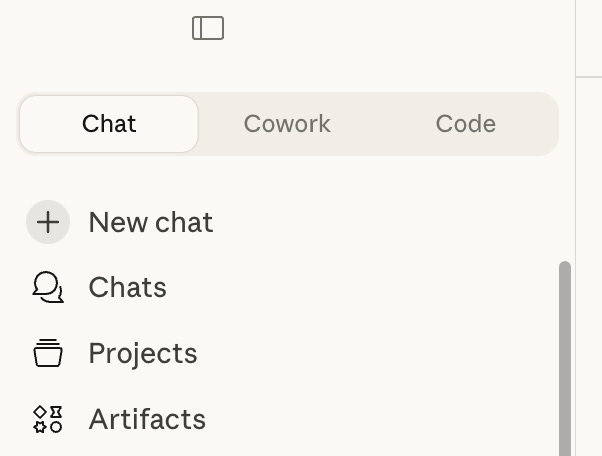
Create a new Project and name it
Add Custom Memory — just the facts, Jack
Write Instructions — (role, behavior, constraints, output structure)
Upload Files — reference documents for the project
Once set up, work inside Project instead of the main chat.
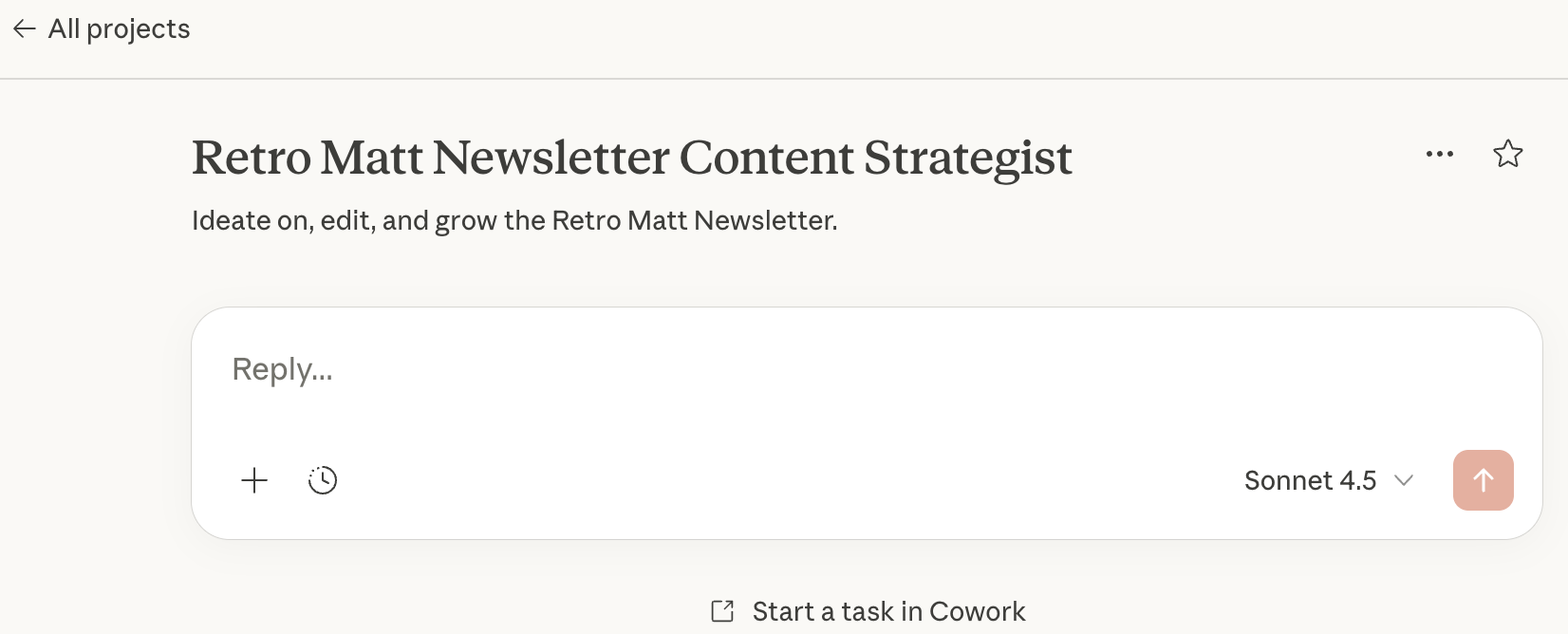
After setup: living documents
Add new files and adjust instructions as you get a feel for what you need. For example, I added an instruction to dial back the lecturing when editing my draft. Claude was telling me why typos are bad, and how they harm credibility. Yeah, I know, Claude. That’s why I want you to fix them …
You’ll want to fine-tune as you go.
Next: Lesson 5 — Context Engineering